
Can I save a filtered view of my board?
Want to keep a set of filters active on your board? You can! Just use the Remember this filter option in the filter menu.
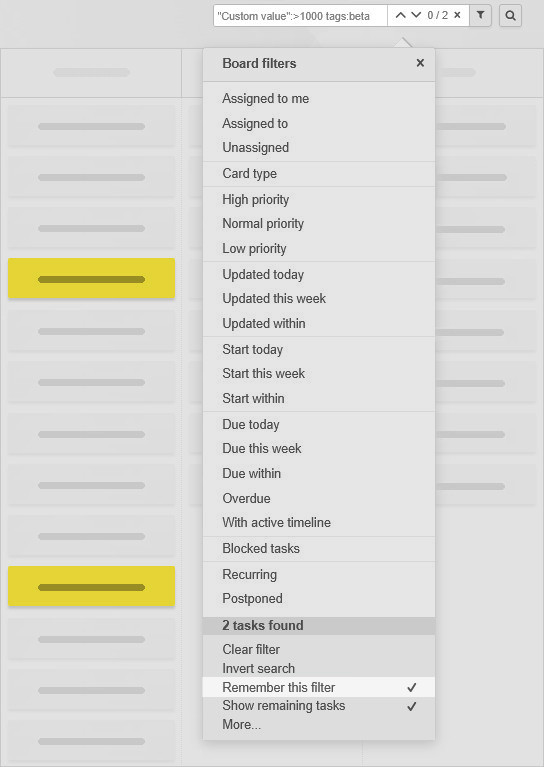
A saved filter will stay applied even if you reload the board or close your browser.
When you return, you’ll be reminded that the filter is active.
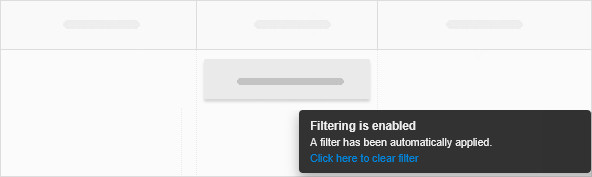
To clear the filter, use one of the following:
- Click the Clear filter option in the filter menu.
- Select the blue Click here to clear filter link on the filtering notice.
- Click the X button in the filters box.
 Český
Český Deutsch
 Español
 Française
 Italiano
 Polski
 Português
 Русский