
Card Covers: Show attachments on closed cards
Showcase your visuals effortlessly with the Card Covers power-up!
With it, you can display attached graphic files on card fronts, and create a gallery right
on your task fronts. Simply enable Card Covers in your board Settings → Power-Ups to get started.
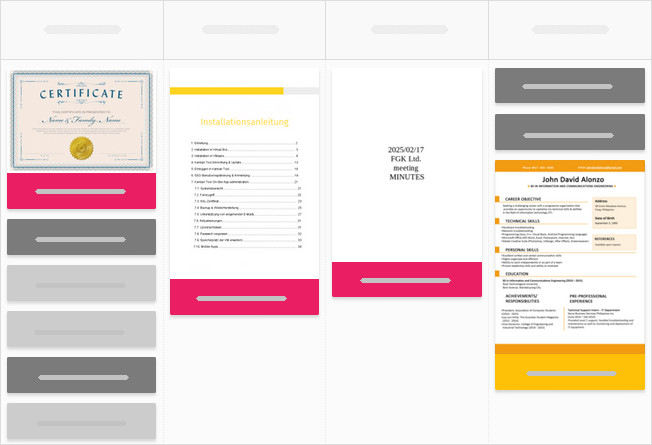
Choose any image or pdf as by marking one or multiple files with the eye icon, turning them into a cover gallery.
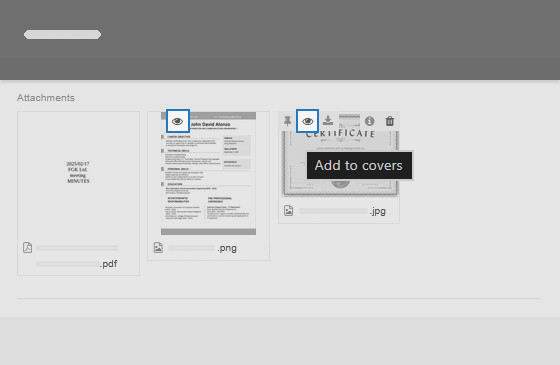
Need quick access to important non-image files?
You can pin any other attachment type, .docx, .xlsx, web links (Web Attachments included) to the card front. While these won’t display a preview, they’ll be instantly accessible for easy downloads, keeping everything at your fingertips.
 Český
Český Deutsch
 Español
 Française
 Italiano
 Polski
 Português
 Русский