
How to create a board?
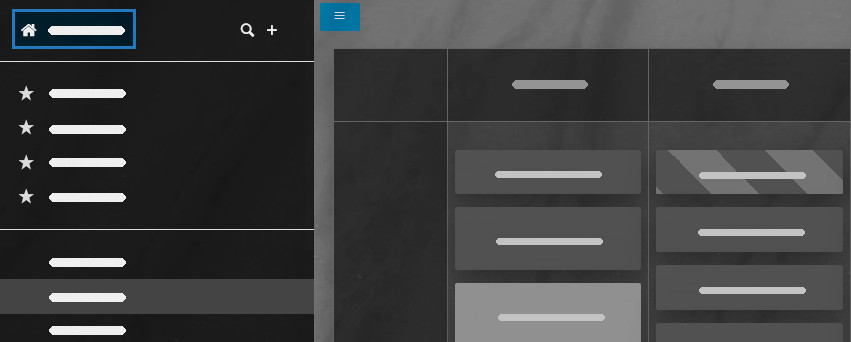
Creating a new board is easy! From your board view, click the hamburger icon in the top
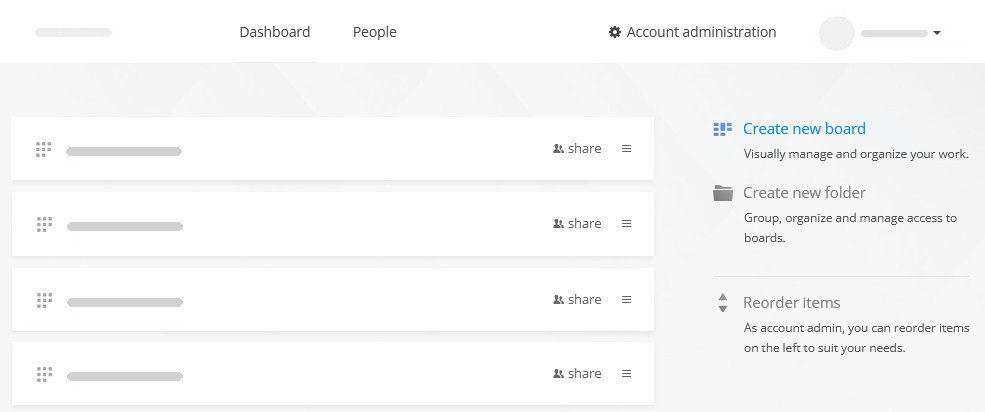
-left corner, then select the home icon or your account name to return to the dashboard. Once there, click on the Create new board link to easily organize a new workflow.
For further information on board setup options and templates, please view this detailed tutorial.
 Český
Český Deutsch
 Español
 Française
 Italiano
 Polski
 Português
 Русский