
Swimlane Auto-Assign: Task assignments by swimlanes
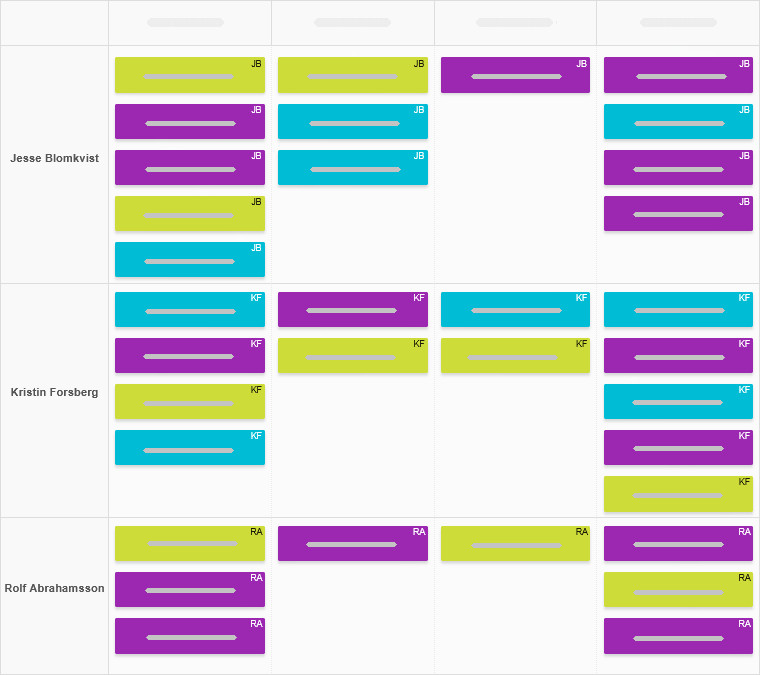
If you want each swimlane on your board to hold tasks for a specific team member, you can set it up so that moving a card into a given swimlane automatically assigns it to the right person.
Since every assignment triggers an email notification, nothing will slip through the cracks.
How to apply it?
- To use the Swimlane Auto-Assign script, go to board Settings → Power-Ups → Developer Tools and paste the following link to the Enter links to the selected scripts area, then confirm by clicking the Save changes button.
/scripts/swimlane-auto-assign/swimlane-auto-assign.js - Then, add a team member’s name to the title of the swimlane that will hold their tasks, and you're set.
Need help tweaking your board and swimlane names? Visit this page.
 Český
Český Deutsch
 Español
 Française
 Italiano
 Polski
 Português
 Русский