
Blog
Perfecting the Kanban Card Design to Make Every Task Clear, Actionable, and Traceable10 Dec 2025

Teamworking ability aside, a team's Kanban board can only be as effective as its cards. In a way, treating the cards as mere to-do items or scribbled reminders wastes the power of the system. A thoughtfully constructed card should represent a task along with the intent, scope, next steps, and status of the work. Getting the card design right can transform your board from a passive tracker into a dynamic system for controlling work.
Below is a practical breakdown of the components of an effective Kanban card design.
Clarity
A strong Kanban card should eliminate ambiguity, even for someone unfamiliar with the context. Consider if the card provides enough information for someone to take it over without any additional clarification:
- Use structured summaries: Start with a concise statement of intent, e.g., Draft Q3 email campaign outline for review, as opposed to a vague titles such as Email plan or Q3 project that assume the reader knows exactly what the title refers to.
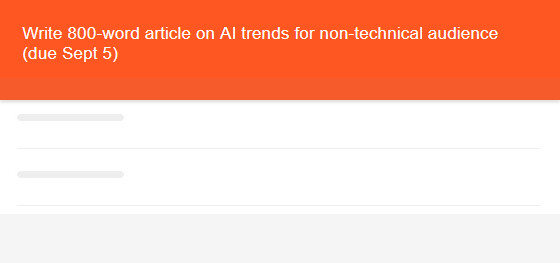
- Embed scope: Put the critical parameters into the description. Instead of Write article, be specific: Write 800-word article on AI trends for non-technical audience (due Sept 5).
- Contextual links: Link to supporting documents or tasks, rather than assuming team members know where to find background materials.
- The point of being clear isn’t to be verbose. The aim is to frontload the information that answers what, why, how, and for whom - not to write long paragraphs for the sake of appearing thorough.
Actionability
Kanban tasks should always imply motion, suggesting and inviting a specific action. This is where many teams fall short, their cards state what the outcome might be, but not what the next steps towards it are.
- The card title should start with an action-inducing verb: review, update, implement, design, write, test, etc.

- Tasks that can’t be acted on directly should be broken down. Finalize launch plan is likely too large, but if the first step is Collect feedback from marketing, it might become a separate card, or at least a subtask of the parent item.
- Identify blockers and dependencies within the card, not in your head.
- The best test of whether a task is actionable is whether the assignee can move it to “Done” without asking for help and clarification.
Traceability
A card that sits in isolation invites confusion: where did it come from, why is it being prioritized, who requested it? Without traceability, the team loses the ability to answer these questions quickly during triage or reviews. Well-documented and linked cards can change project and performance reviews from a forensic exercise to a straightforward analysis.
- Tagging conventions: Use consistent tags to indicate project, initiative, client, or sprint - whatever works for the situation. E.g., [Q3_Campaign], [Feature:Search], [Client:WayfarerBank].
- Link upstream/downstream work: Use the card description, the dependencies area, or comments to point to related cards (designs feeding into dev, dev feeding into QA, etc.), thereby offering a complete picture of the work.
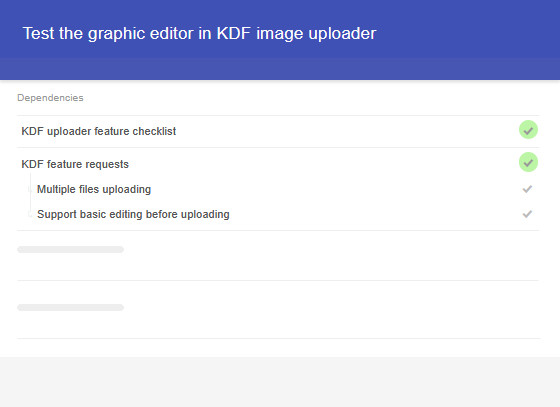
- Origin notes: Add a line about where the card came from. Example: Created from client feedback in the demo meeting on July 18. If there is a limited and repeatable set of sources, use a dropdown with those options instead.
Checklists
Tasks split into multiple steps need a unified understanding of “done”. Without a binary checklist status, you're either relying on memory or enforcing rules through meetings. A working checklist should do more than just itemize, it should define quality.
- Consider grouping to-do items by category, rather than chronology; why create linear checklists that assume order in cases where the order doesn't matter? Instead, group by function, e.g., design, content, review.
- Define completion standards in non-ambiguous terms; instead of Get approval, use Approval received from legal in writing.
- Avoid checklist bloat. If there are going to be more than ten items, reassess whether the task would be more manageable broken into several cards. Think of the checklist as a compact operating manual for completing the work, not a dumping ground for everything someone might remember as potentially relevant.
Naming conventions
Inconsistent naming can subtly diminish productivity and motivation. It breaks all searches, ruins filtering, and makes historical reviews harder. Make an effort to design your card titles and tags according to a set convention, not fluid vibes. Consider using conventions like these:
- Title format: [Type] Verb + Object + Outcome.
Example: [Dev] Build endpoint for new login flow. - Date tags: Use YYYY-MM-DD format for temporal sorting.
Example: [2025-08-03] instead of beginning of August or Q3. - Effort/difficulty signals (if used): [S], [M], [L], 1-10, or T-shirt sizes. The point is to ensure that the definitions are documented and used consistently across a project.
- Owner vs. current handler (assignee): Decide how you're denoting the final-say responsible party, especially if this person is not the same as the task doer/assignee. Use tags, custom user dropdowns, or task colors if needed.
The payoff
When cards are clear, consistent, and traceable, your Kanban board upgrades from being a static snapshot into a living map of the work ecosystem. Stand-ups can become minimal because the card's status speaks for itself, hand-offs get easier because no one has to guess what to do next, and reviews become smarter because you can trace each decision back to its source.
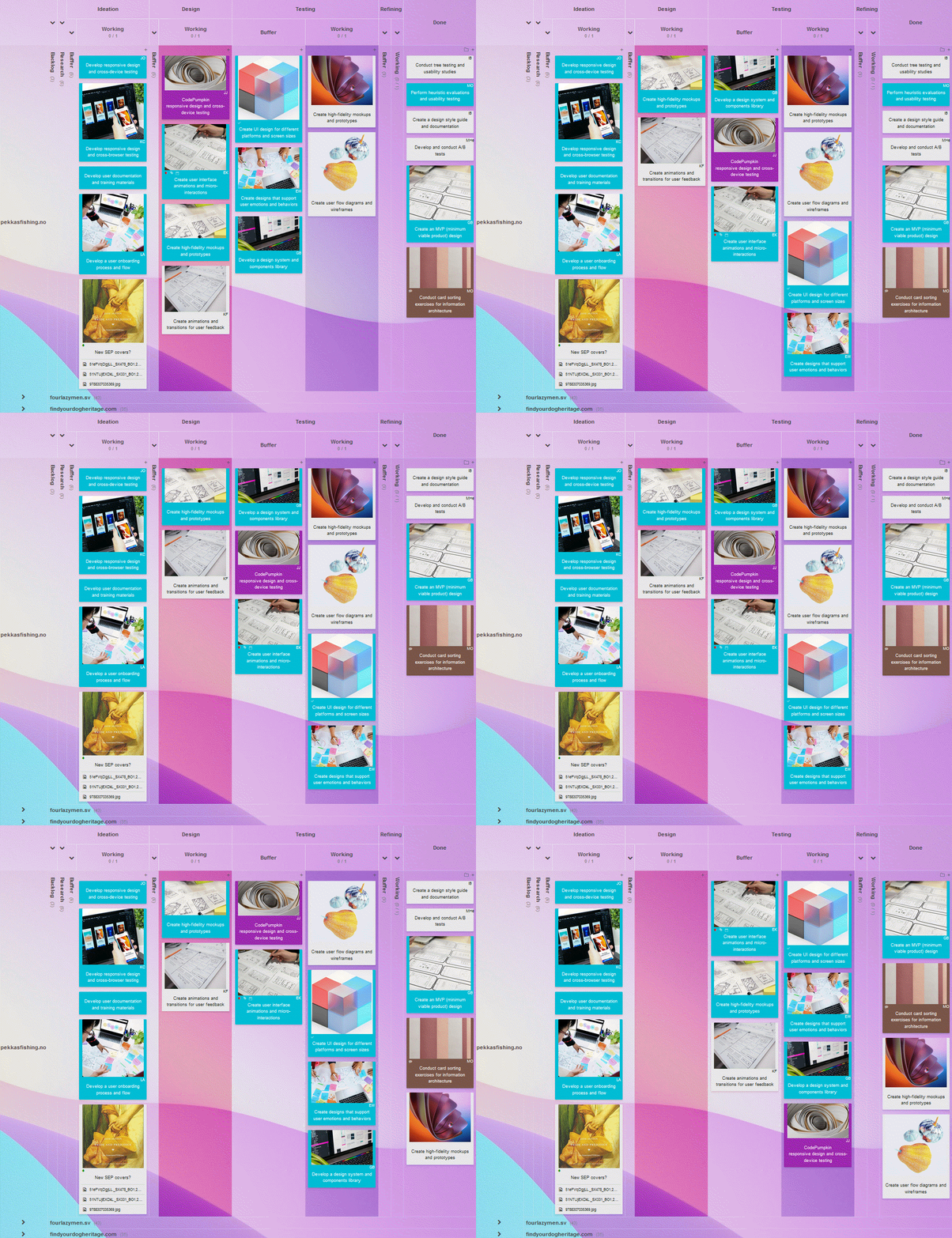
An intentional card design should be part of how teams think together in distributed systems. Think of each card as a compact, autonomous agent in your process architecture; built well, they can work for you, not against you!
Sign up for a 14-day free trial
to test all the features.
Sign up now and see how we can help
your organization deliver exceptional results.
 Český
Český Deutsch
 Español
 Française
 Italiano
 Polski
 Português
 Русский